All-In-One Budget Spreadsheet | Expense, Savings & Debt Tracker (Excel)
 @doriland
-
📊 All-in-One Finance Tracker Excel – Fully Automated Budget Planner
Take control of your money with this 7-in-1 automated Excel Finance Tracker.
Perfect for budgeting beginners and advanced users—everything is structured, automated, and easy to update.
You will receive a ZIP file containing:
✔ The full Excel Tracker (all 7 sheets)
✔ A Step-by-Step PDF User Guide
📁 WHAT’S INCLUDED
1. Monthly Budget Sheet
- Monthly dropdown selector
- Fixed & variable expense categories
- Total income, total expenses & savings auto-calculated
- Monthly comparison table
- Full yearly summary (12-month breakdown)
- Savings chart
- Income–Expenses–Savings chart
2. Expense Tracker
- Month selector
- Expense category dropdown
- Need/Want toggle
- Payment method selector
- Automatic totals per category
- Need vs. Want percentage breakdown
- Pie chart: spending by category
- Pie/Bar chart: Need vs. Want distribution
- Monthly comparison with percentages
3. Savings Planner
- 12-month layout
- Goal, target amount, saved amount, completion %
- Progress bar per month
- Completion % chart
- Target vs. Saved monthly comparison chart
4. Debt Payoff Tracker (NOT Snowball)
- Month column (January–December prefilled)
- Debt name dropdown
- Starting balance, current balance, paid amount, paid %
- Chart: Paid % over time (monthly)
- Chart: Starting vs. Current balance
5. Financial Goals
- Goal selector
- Target amount
- Current progress
- Completion % auto-calculated
- Chart: Goal completion %
- Chart: Target vs. Current amounts
6. Income & Bills Tracker
- Date, source, income amount
- Bill name, due date, bill amount
- Paid? (Yes/No dropdown)
- Monthly totals
- Chart: Income vs. Bills ratio
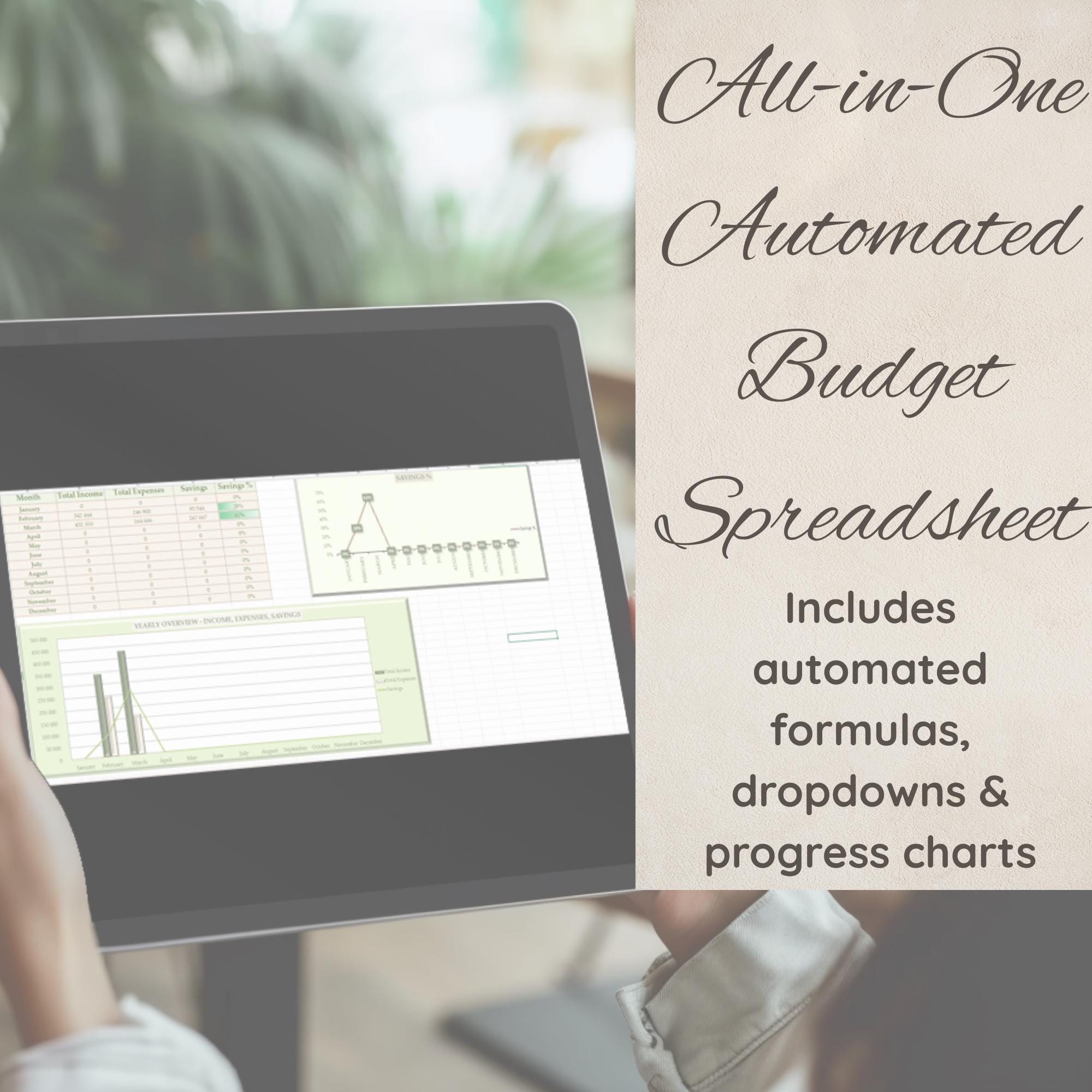
7. Yearly Overview
- Month selector auto-fills from Monthly Budget sheet
- Total income, total expenses, total savings
- Savings %
- Chart: Yearly savings % by month
- Chart: Income vs. Expenses vs. Savings
⚙️ AUTOMATIONS INCLUDED
- Smart formulas
- Auto-calculations
- Dropdown selectors
- Progress bars & charts
- Data validation
- Consistent formatting
- Macro-assisted table clearing (IMPORTANT: if you expand tables, update the macro ranges accordingly)
📝 HOW TO CUSTOMIZE
- All dropdowns can be edited: Home → Data → Data Validation → Source You can change categories (expense types, goals, payment methods, debt names) to fit your needs.
💡 WHO IS THIS FOR?
Perfect for:
Beginners learning to manage money
People who want a structured monthly budget
Anyone needing tracking for debt, savings, goals
Small households, families, students, freelancers
📥 INSTANT DOWNLOAD
After purchase, you will receive:
1 ZIP file containing the Excel file + User Guide PDF.
No Google Sheets, no external links — this download is fully offline and private.
📌 IMPORTANT NOTES
This is a digital product; no physical item will be shipped.
For personal use only.
Macros must be enabled for the "Clear All" buttons to work.
If you expand tables with new rows, adjust formulas + macro ranges accordingly.
“Track your entire financial life in one automated Excel dashboard.”